Gaming PC PSU Calculator
Estimate the recommended Power Supply Unit (PSU) wattage for your gaming rig based on CPU, GPU, RAM, storage, and overclocking factors.
Adjust Inputs
Calculated Results
Saved Scenarios / Calculations
Embed this Calculator
Want to use this tool on your own blog or website? Copy the code below to embed a fully interactive responsive version instantly.
This Gaming PC PSU Calculator tool is provided strictly for educational and gaming entertainment purposes. Estimates are mathematical projections compiled using general hardware benchmarks, standard game engine presets, or standard sensitivity formulas. Actual gaming performance, frame rates (FPS), or mouse tracking behaviors may vary based on specific OS optimization, graphics card drivers, thermal throttling, or patches. Verify configurations in-game.
Gaming Performance & Settings Optimizer
Personalized Actionable Insights
Your hardware rendering estimates and gaming configurations are ready. Optimizing refresh rates and input latency yields competitive reaction advantages in esports titles.
Adjust graphic presets: Balance visual fidelity and frame rate (FPS) to match your monitor's maximum refresh rate.
Optimize background tasks: Close heavy resource-hogging software (browsers, recorders) to eliminate frame-time spikes.
Check thermals: Ensure system temperatures are controlled to prevent hardware thermal throttling during long sessions.
Mathematical Formula & Equations
Understand the logic under the hood. Here is the formula and exact variable mappings utilized by the Gaming PC PSU Calculator to compile results.
The Equation
BASE = CPU_TDP + GPU_TDP + (RAM * 4W) + (DRIVES * 6W) + (FANS * 3W) + 50W (Motherboard); RECOMMENDED = Ceil((BASE * (OC ? 1.20 : 1.0) + 150W Cushion) / 50) * 50
Peak draw is computed by aggregating standard component TDPs (thermal design power) with additional safety variables for RAM sticks, RGB case fans, drives, and overclocking tolerances.
Variable Definitions
Thermal Design Power of CPU core (65W to 170W).
Peak visual rendering board power of GPU (75W to 350W).
Methodology & Computational Scope
Our Gaming PC PSU Calculator executes robust algorithmic code to deliver instant, entertainment-optimized calculations for social sharing and reflex stats.
- Intel TDP database
- NVIDIA PSU Guidelines
- AMD Radeon specsheets
- TechPowerUp database
- Hardware Unboxed reviews
Step-by-Step Example Calculation
See the calculation in action. Below is a step-by-step mathematical example using default parameters to demonstrate how values are processed and generated.
Standard Midrange Rig PSU Recommendation
Initialize with: Midrange CPU (95W), Midrange GPU (160W), 2 RAM modules (8W), 2 storage SSDs (12W), 4 standard RGB case fans (12W), and Motherboard base overhead (50W).
Compute Estimated peak load: 95 + 160 + 8 + 12 + 12 + 50 = 337 Watts of peak component draw.
Apply standard 150W safety cushion and round up to the nearest clean 50W threshold: Ceil((337 + 150) / 50) * 50 = 500 Watts PSU recommended rating.
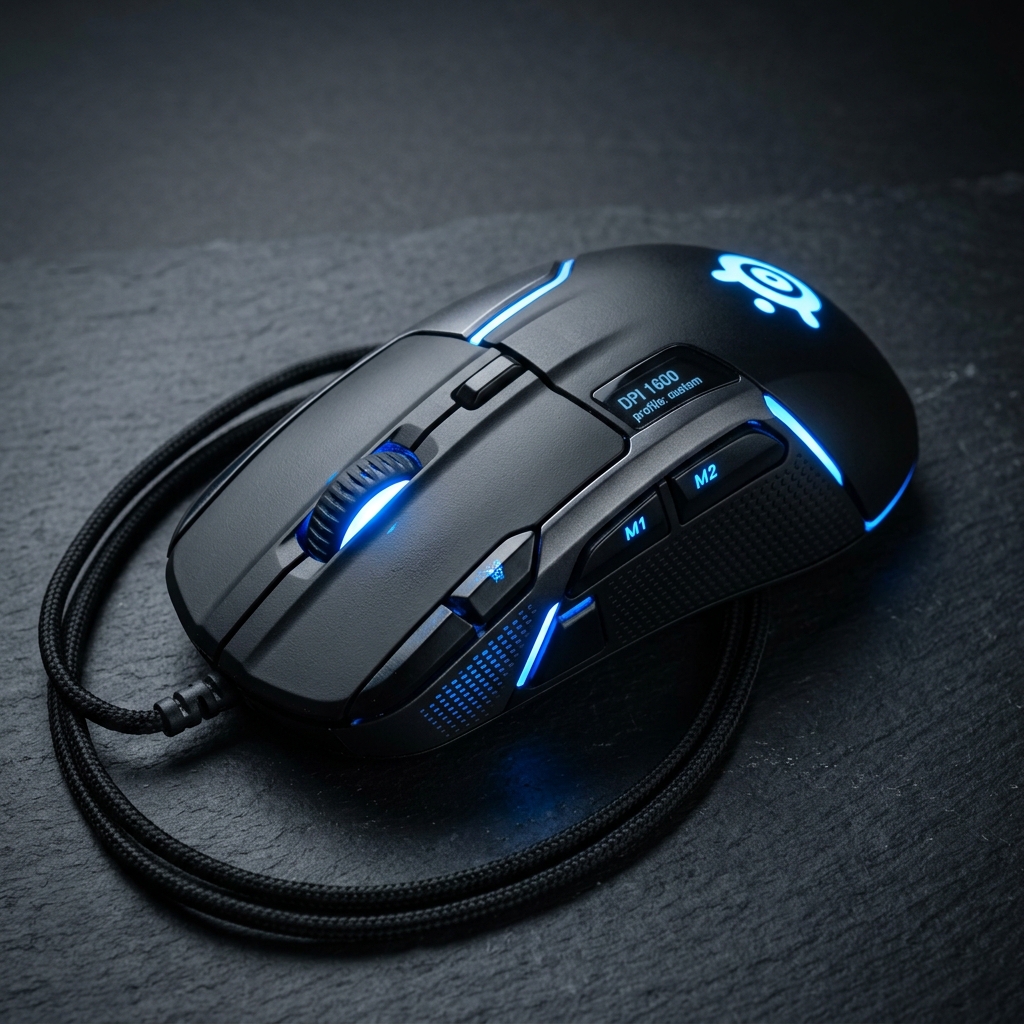
Increase click accuracy and mouse response rates with the adjustable 25K DPI Logitech G502 HERO wired gaming mouse.
As an Amazon Associate we earn from qualifying purchases.
Frequently Asked Questions
You Might Also Like
Gaming FPS Estimator
Predict estimated in-game Frame Rates (FPS) for popular gaming titles based on GPU, CPU, resolution, and graphics presets.
Mouse Sensitivity Converter
Convert mouse DPI and sensitivity settings between popular shooters including Valorant, CS2/CS:GO, and Overwatch 2.
Streaming Income Calculator
Estimate your monthly income from gaming streaming channels (Twitch, YouTube, Kick) based on sub counts, ad views, tips, and sponsor deals.
Save or Share Your Calculations!
Did you find these formulas useful? You can bookmark this page (press Ctrl+D) to access it instantly anytime, copy the live URL overrides, or even embed a fully interactive responsive widget on your own blog.
About This Calculator
Estimate the recommended Power Supply Unit (PSU) wattage for your gaming rig based on CPU, GPU, RAM, storage, and overclocking factors.
How the Calculation Works
Peak draw is computed by aggregating standard component TDPs (thermal design power) with additional safety variables for RAM sticks, RGB case fans, drives, and overclocking tolerances.
Variable Definitions
- CPU_TDP
- Thermal Design Power of CPU core (65W to 170W).
- GPU_TDP
- Peak visual rendering board power of GPU (75W to 350W).
Step-by-Step Example
Standard Midrange Rig PSU Recommendation
- 1
Initialize with: Midrange CPU (95W), Midrange GPU (160W), 2 RAM modules (8W), 2 storage SSDs (12W), 4 standard RGB case fans (12W), and Motherboard base overhead (50W).
- 2
Compute Estimated peak load: 95 + 160 + 8 + 12 + 12 + 50 = 337 Watts of peak component draw.
- 3
Apply standard 150W safety cushion and round up to the nearest clean 50W threshold: Ceil((337 + 150) / 50) * 50 = 500 Watts PSU recommended rating.
Accuracy & Editorial Standards
Reviewed by the NexProTools editorial team
NexProTools Editorial Board
Formula Sources
- Intel TDP database
- NVIDIA PSU Guidelines
- AMD Radeon specsheets
Data Sources
- TechPowerUp database
- Hardware Unboxed reviews
Last updated: May 2026. All results are estimates for informational purposes only and do not constitute professional financial, medical, or legal advice.
Frequently Asked Questions
What happens if my PSU wattage is too low?
An underpowered PSU can cause system instability, unexpected shutdowns during gaming loading spikes, or even component failures due to voltage fluctuations.
What is PSU efficiency rating (e.g. 80 Plus)?
80 Plus certification (Bronze, Gold, Platinum) indicates how efficiently a PSU converts wall current to DC power. High ratings reduce electricity bills and heat.
Disclaimer: The Gaming PC PSU Calculator on NexProTools is provided for informational and educational purposes only. All calculations are performed entirely in your browser — no data is sent to our servers. Results are based on the inputs you provide and the standard mathematical formulas described above. For decisions involving significant financial, medical, legal, or other matters, please consult a qualified professional. NexProTools assumes no liability for decisions made based on calculator outputs.