Percentage Increase/Decrease Calculator
Calculate the percentage change between an initial and a final value, determining whether it represents an increase or decrease.
Adjust Inputs
Calculated Results
Saved Scenarios / Calculations
Embed this Calculator
Want to use this tool on your own blog or website? Copy the code below to embed a fully interactive responsive version instantly.
This Percentage Increase/Decrease Calculator tool is provided strictly for educational and illustrative purposes. Calculations are derived using standard geometric and algebraic axioms. While the tool outputs precise solutions based on exact input values, floating-point rounding limits in code may introduce minor decimal deviations. All values should be verified independently for academic or engineering submissions.
Student Solver & Visualizer Guide
Real-time calculationsStep-by-step solving
Student-friendly explanations
Visual explanations
Initial: [████████] (200)
Shift:   [████████ + ██] (250)
Relative Growth & Difference Analysis
Personalized Actionable Insights
Your percentage change highlights growth or contraction trends. This is crucial for tracking monthly traffic shifts, discount percentages, or profit margins independent of absolute value sizes.
Track growth trends: Apply percentage change to assess monthly traffic growth, budget savings, or investment returns.
Understand base dependency: Remember that an increase from 100 to 150 is a 50% change, but a decrease from 150 to 100 is only a 33.3% change.
Verify comparison order: Always input your original/older value as the start point to ensure the direction of change is correct.
Mathematical Formula & Equations
Understand the logic under the hood. Here is the formula and exact variable mappings utilized by the Percentage Increase/Decrease Calculator to compile results.
The Equation
Change % = ((Final - Initial) / Initial) * 100
Percentage change computes the difference relative to the starting number, and converts it to a standard percentage scale.
Variable Definitions
The starting baseline value
The ending comparison value
Methodology & Computational Scope
Our Percentage Increase/Decrease Calculator executes robust algorithmic code to deliver instant, entertainment-optimized calculations for social sharing and reflex stats.
- Standard Mathematical Formula Library Protocols
- NexPro Computational Engineering Guidelines
Step-by-Step Example Calculation
See the calculation in action. Below is a step-by-step mathematical example using default parameters to demonstrate how values are processed and generated.
Moving from 200 to 250
Difference is 250 - 200 = 50
Divide by initial: 50 / 200 = 0.25
Multiply by 100: 25% Increase
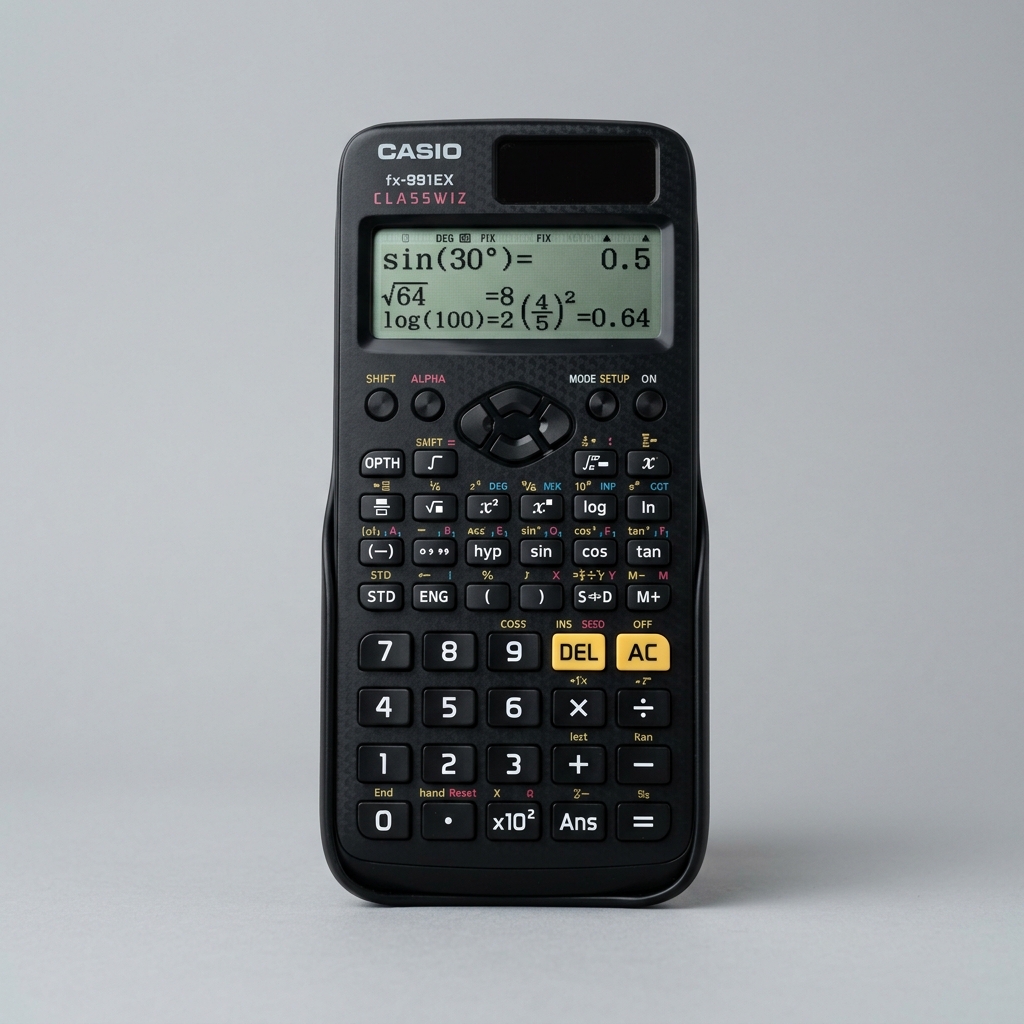
The #1 recommended scientific calculator for board exams, college algebra, mathematics, and engineering classes.
As an Amazon Associate we earn from qualifying purchases.
Frequently Asked Questions
You Might Also Like
Fraction Calculator
Perform arithmetic operations on fractions: add, subtract, multiply, and divide two fractions. Simplifies the results dynamically and provides decimal equivalencies.
Decimal to Fraction Converter
Convert any positive or negative decimal value into its simplest fraction form, showing both proper/mixed fractions and percentages.
Ratio Calculator
Simplify given ratios to their simplest form, or solve for missing variables to compute equivalent proportions.
Save or Share Your Calculations!
Did you find these formulas useful? You can bookmark this page (press Ctrl+D) to access it instantly anytime, copy the live URL overrides, or even embed a fully interactive responsive widget on your own blog.
About This Calculator
Calculate the percentage change between an initial and a final value, determining whether it represents an increase or decrease.
How the Calculation Works
Percentage change computes the difference relative to the starting number, and converts it to a standard percentage scale.
Variable Definitions
- Initial
- The starting baseline value
- Final
- The ending comparison value
Step-by-Step Example
Moving from 200 to 250
- 1
Difference is 250 - 200 = 50
- 2
Divide by initial: 50 / 200 = 0.25
- 3
Multiply by 100: 25% Increase
Frequently Asked Questions
What is percentage change?
Percentage change measures the relative difference between an older value and a newer value, expressed as a percent of the older value.
How do you calculate percentage increase?
Subtract the old value from the new value, divide the result by the old value, and multiply by 100.
Disclaimer: The Percentage Increase/Decrease Calculator on NexProTools is provided for informational and educational purposes only. All calculations are performed entirely in your browser — no data is sent to our servers. Results are based on the inputs you provide and the standard mathematical formulas described above. For decisions involving significant financial, medical, legal, or other matters, please consult a qualified professional. NexProTools assumes no liability for decisions made based on calculator outputs.